Plugin Deployment
Description
Preparing deployment package is straight forward. Release build content should be packed into zip. This zip can be later used to install plugin as described here: Configuration and Administration#Plugins.
Creating Deployment package
-
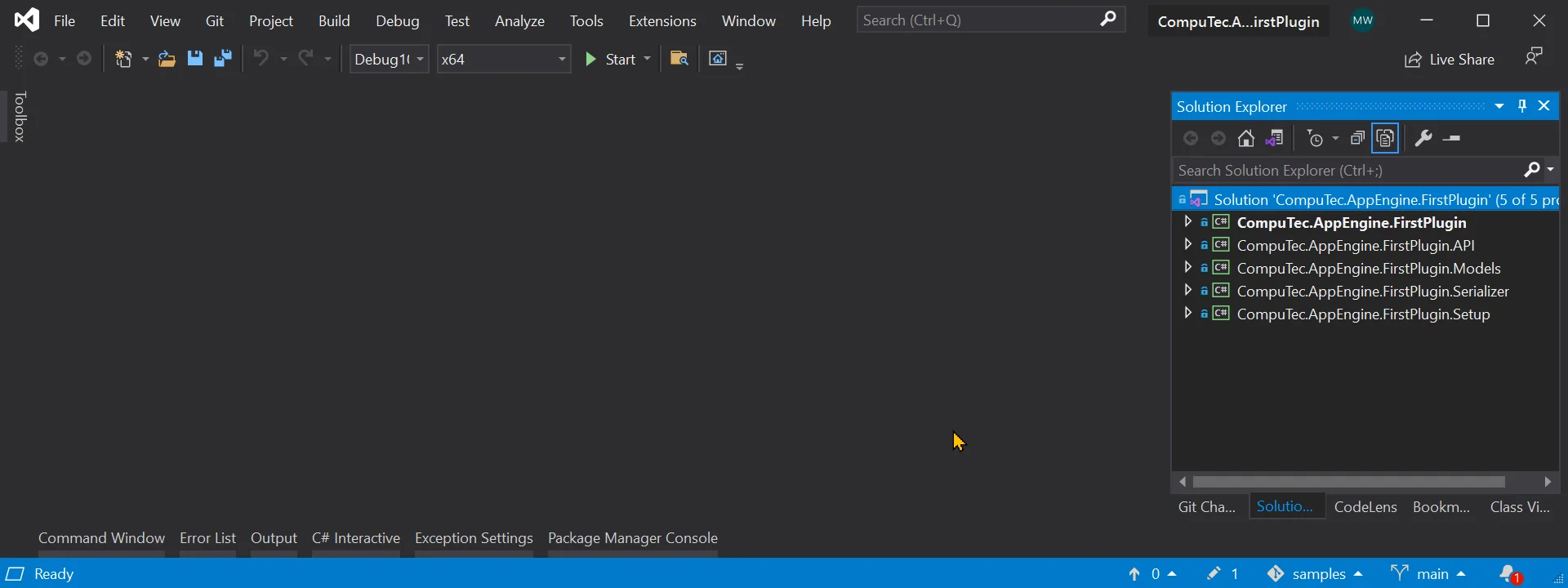
Open your solution in Visual Studio.
-
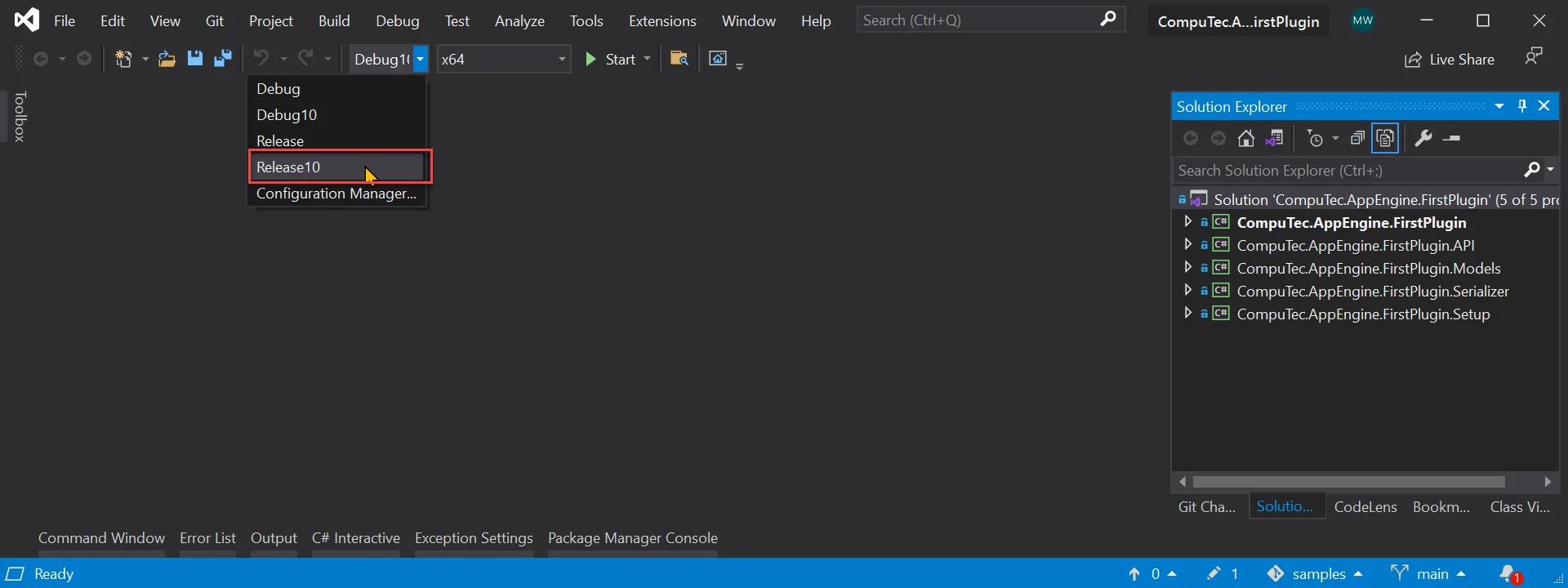
Change configuration to Release or Release10 - this depends of target SAP version. (10 stands for SAP Business One 10 version).
-
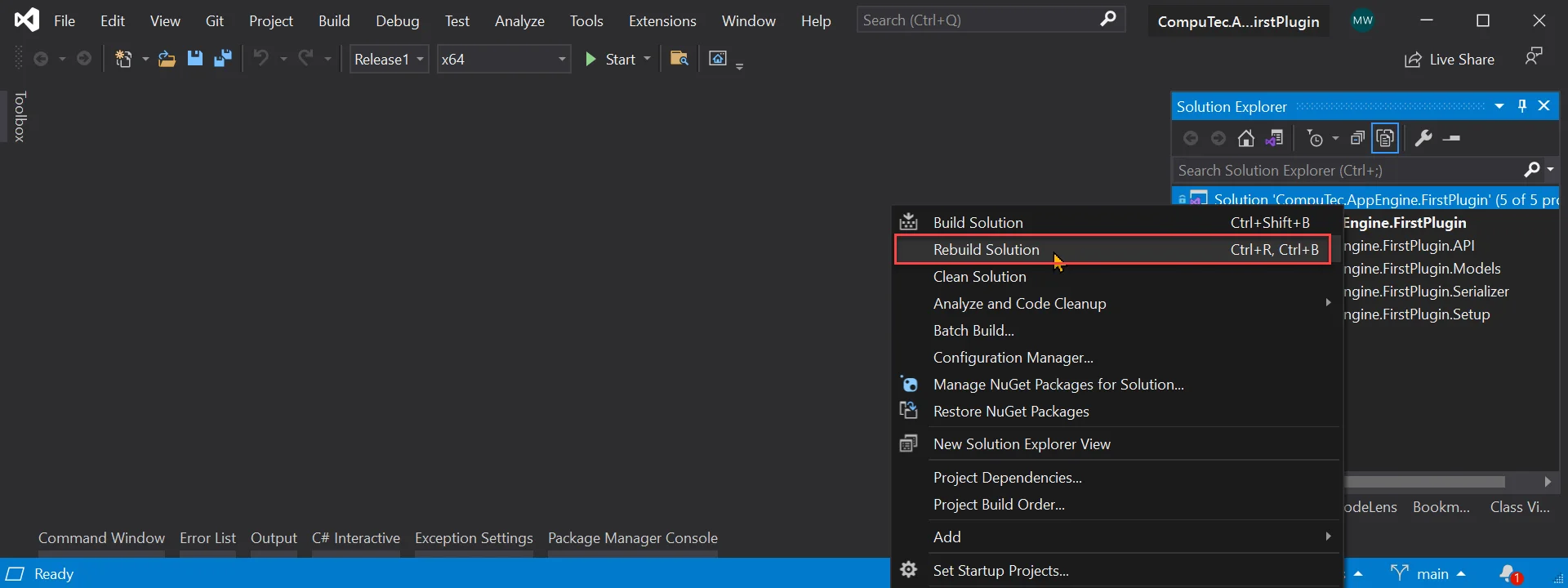
Rebuild solution.
-
Now we need to pack build content of Plugin Project. You can find path of your build in build output (or in your project properties - build - output path).
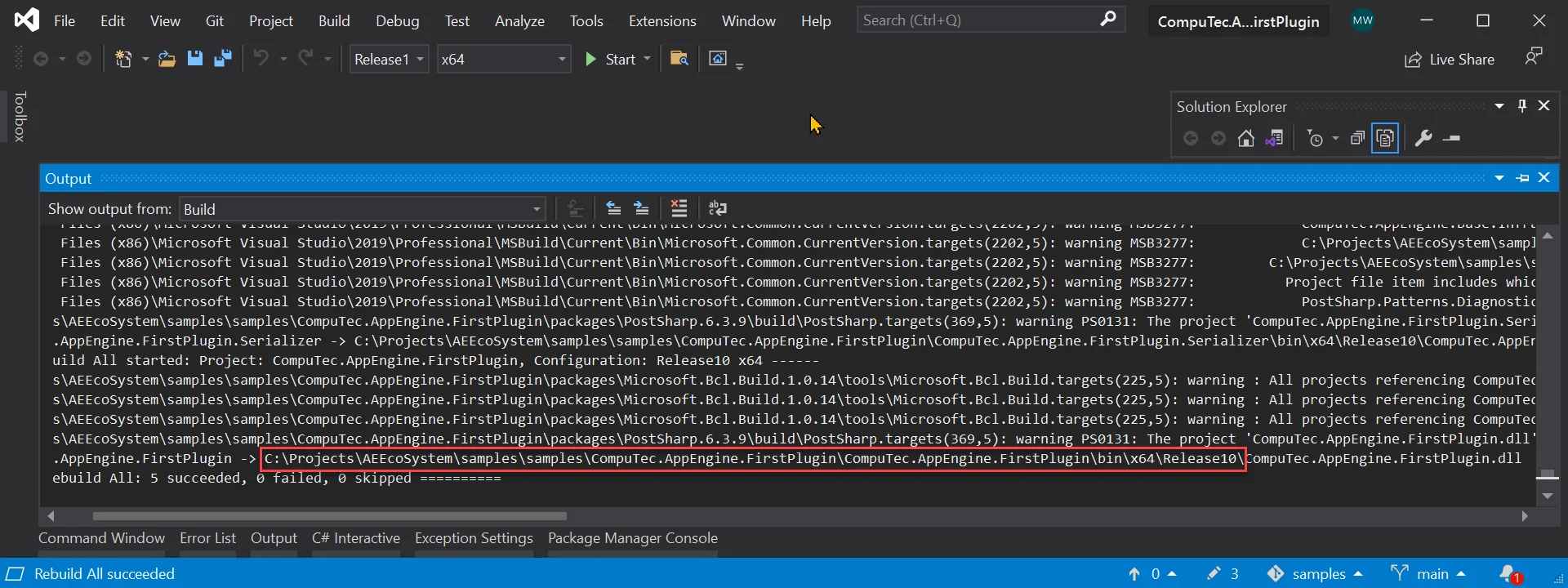
-
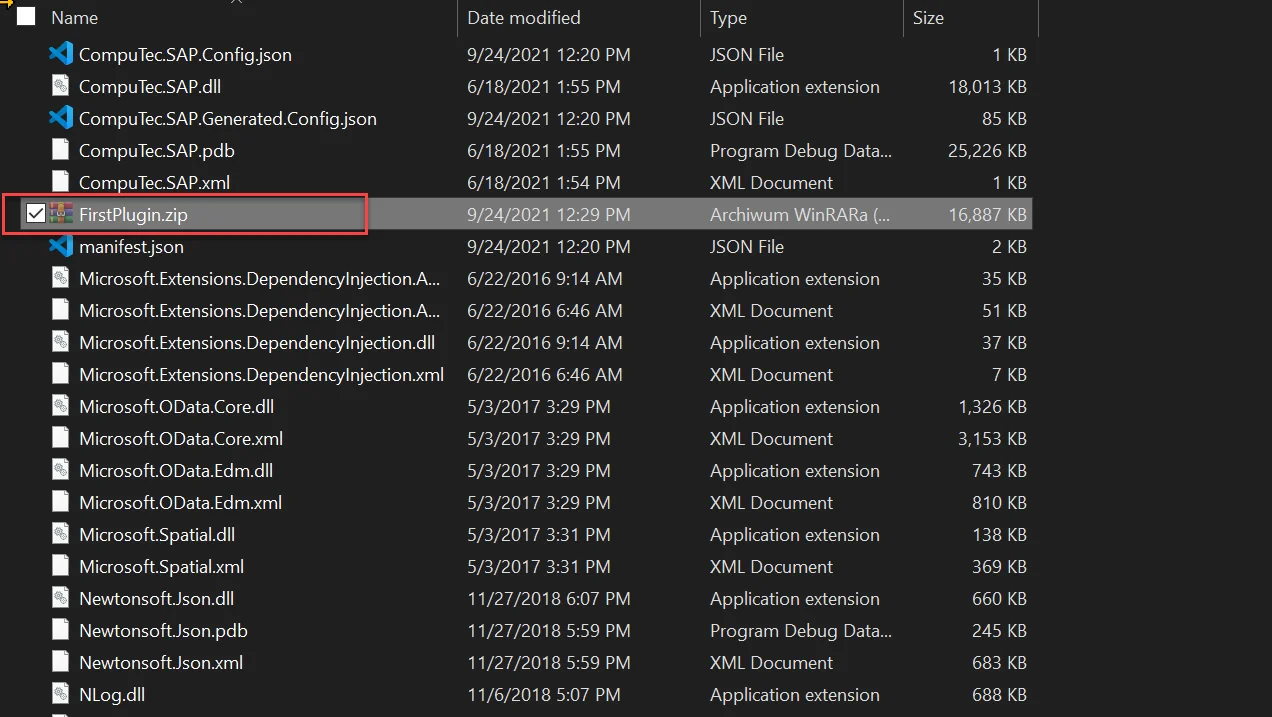
Finally we just need to pack content of build into zip archive.
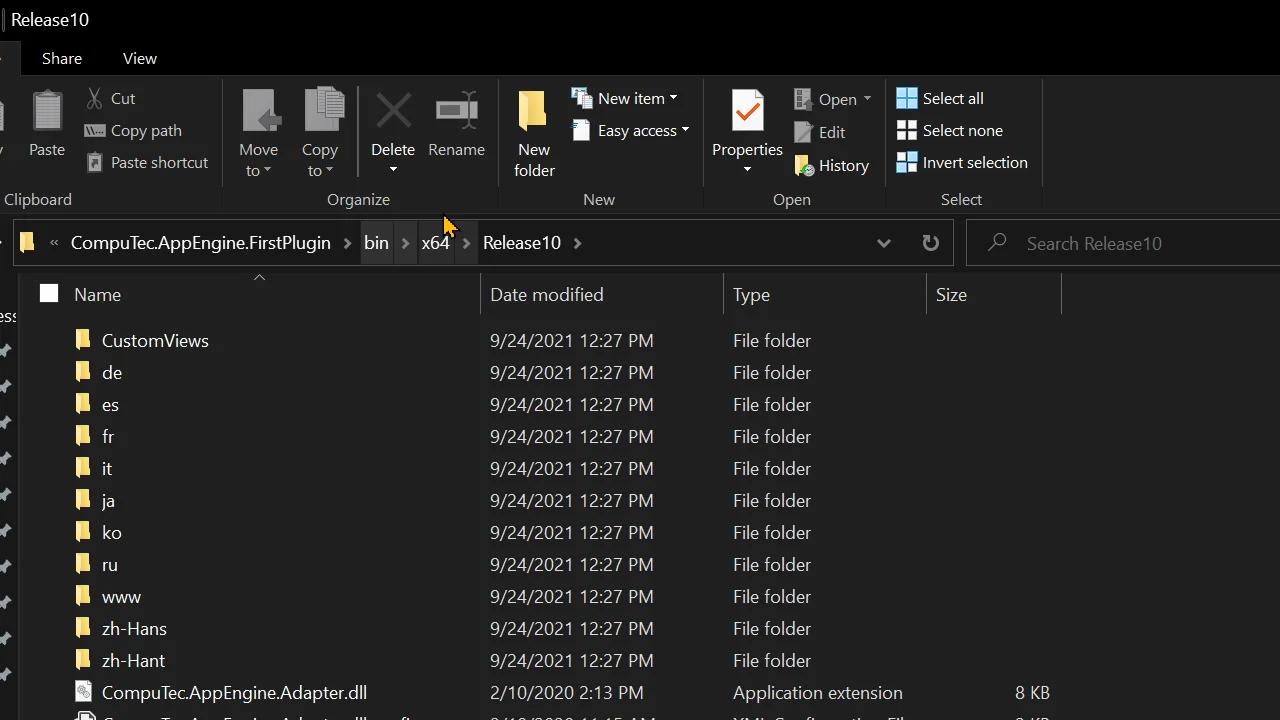
-
Only created zip file is required to install plugin into AppEngine.